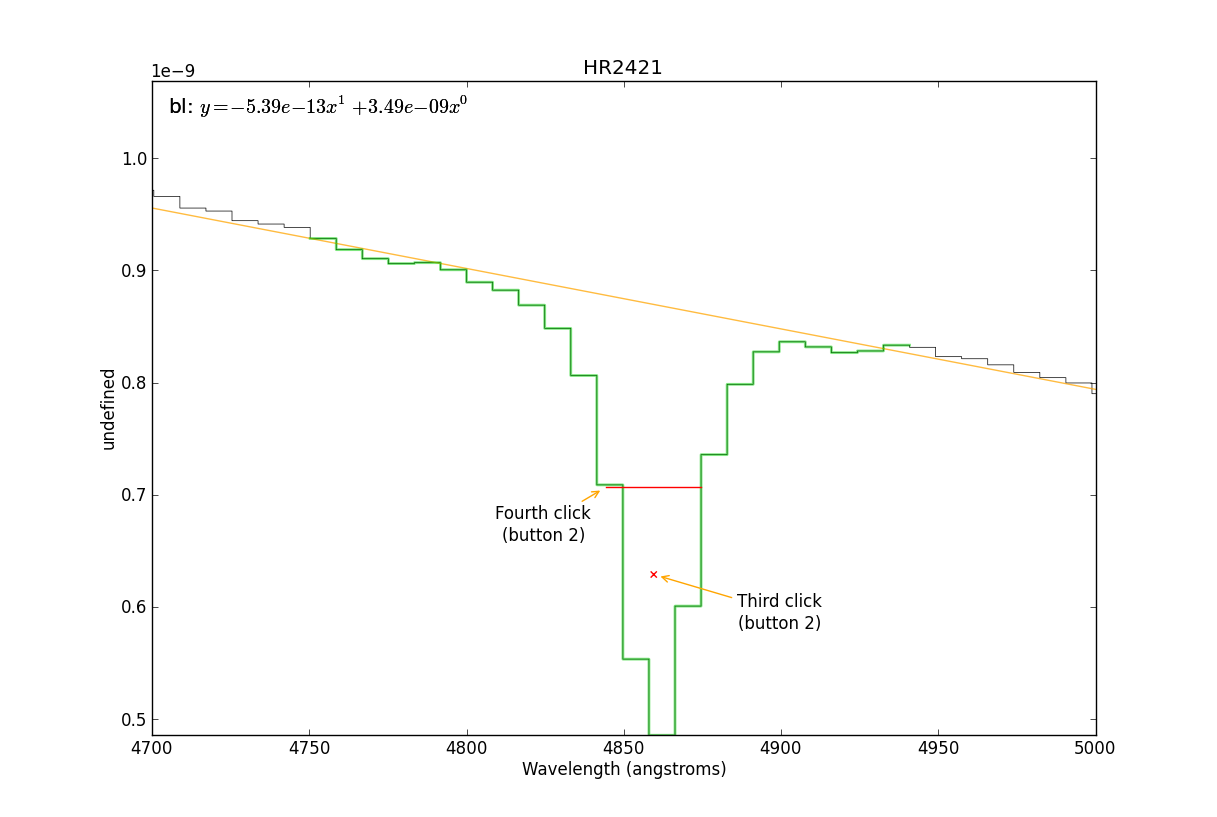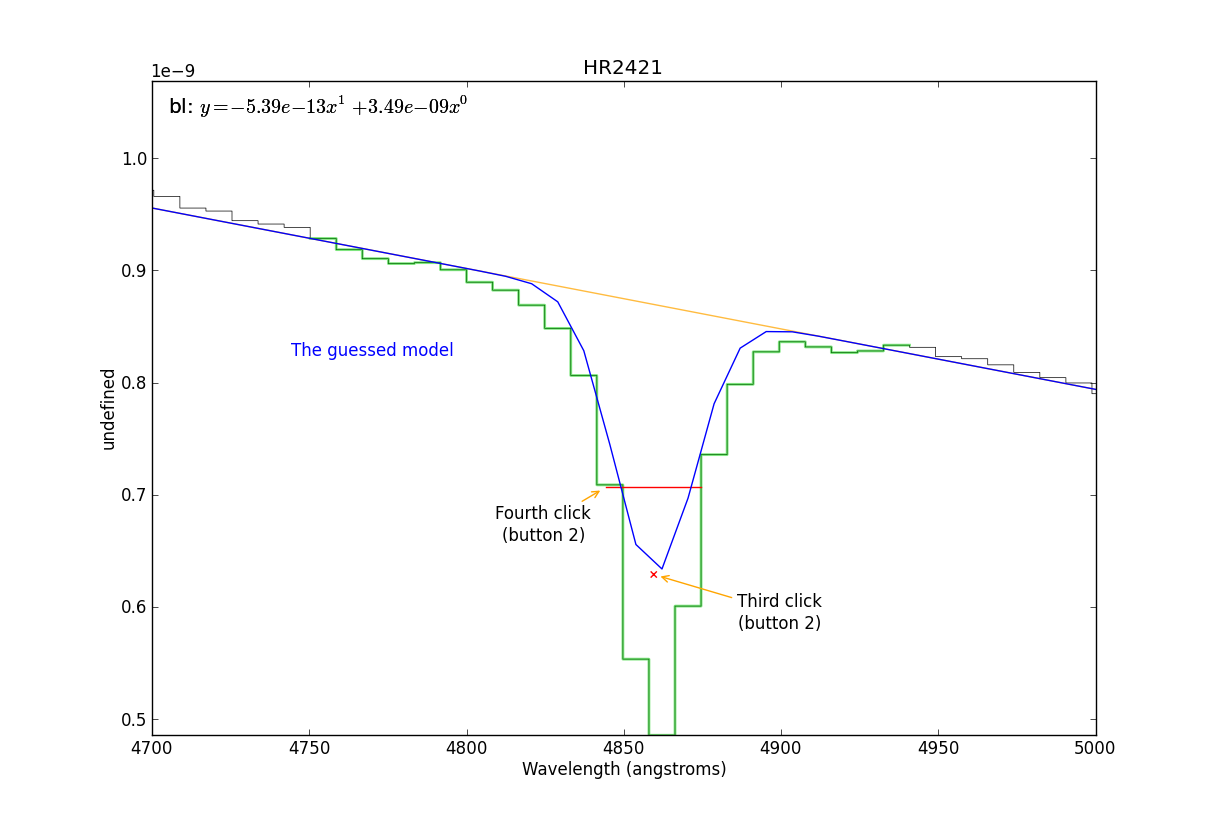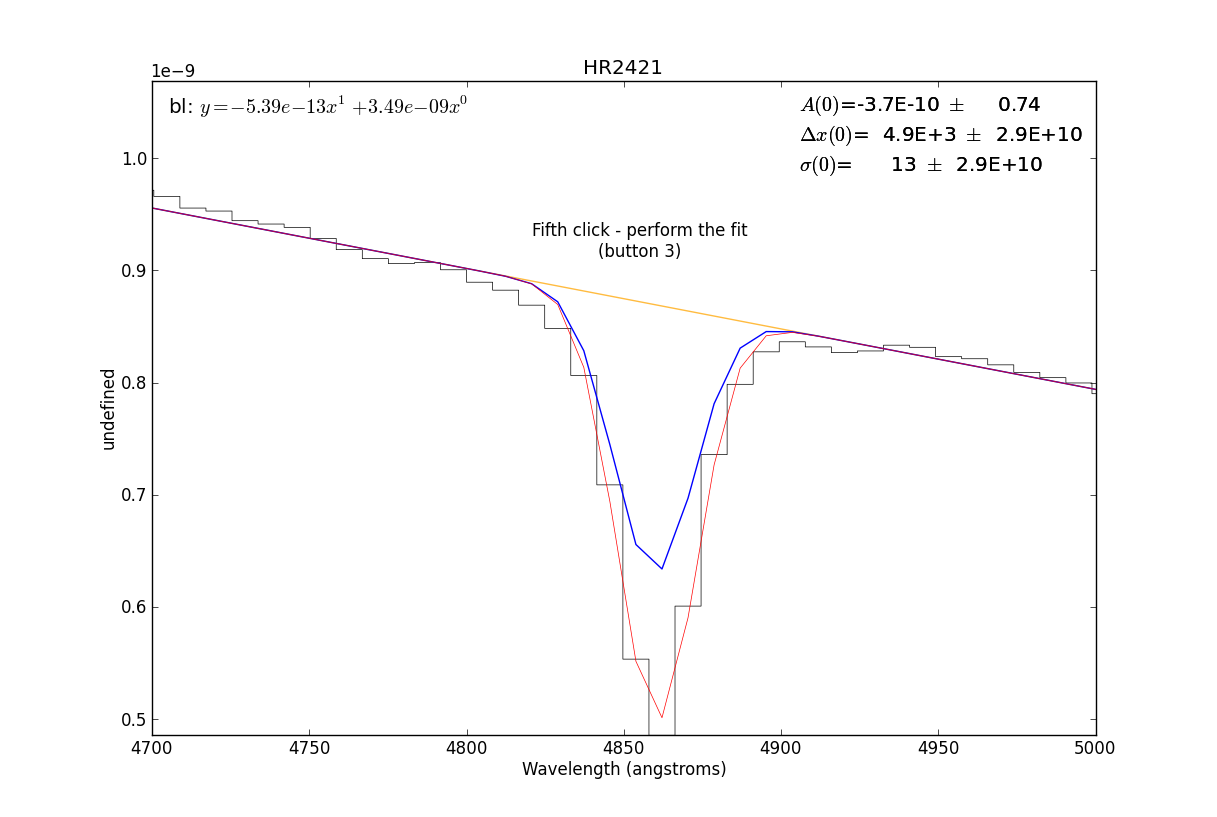
A guide to interactive fitting
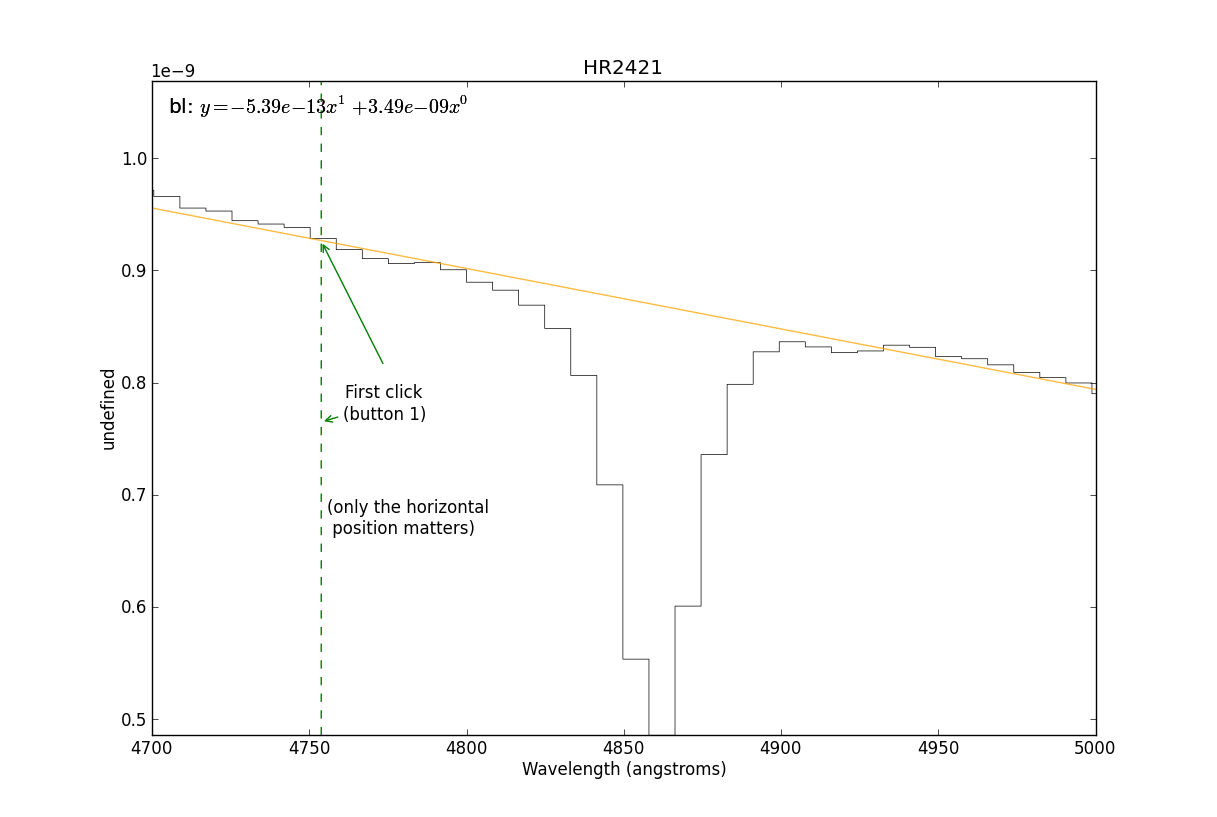
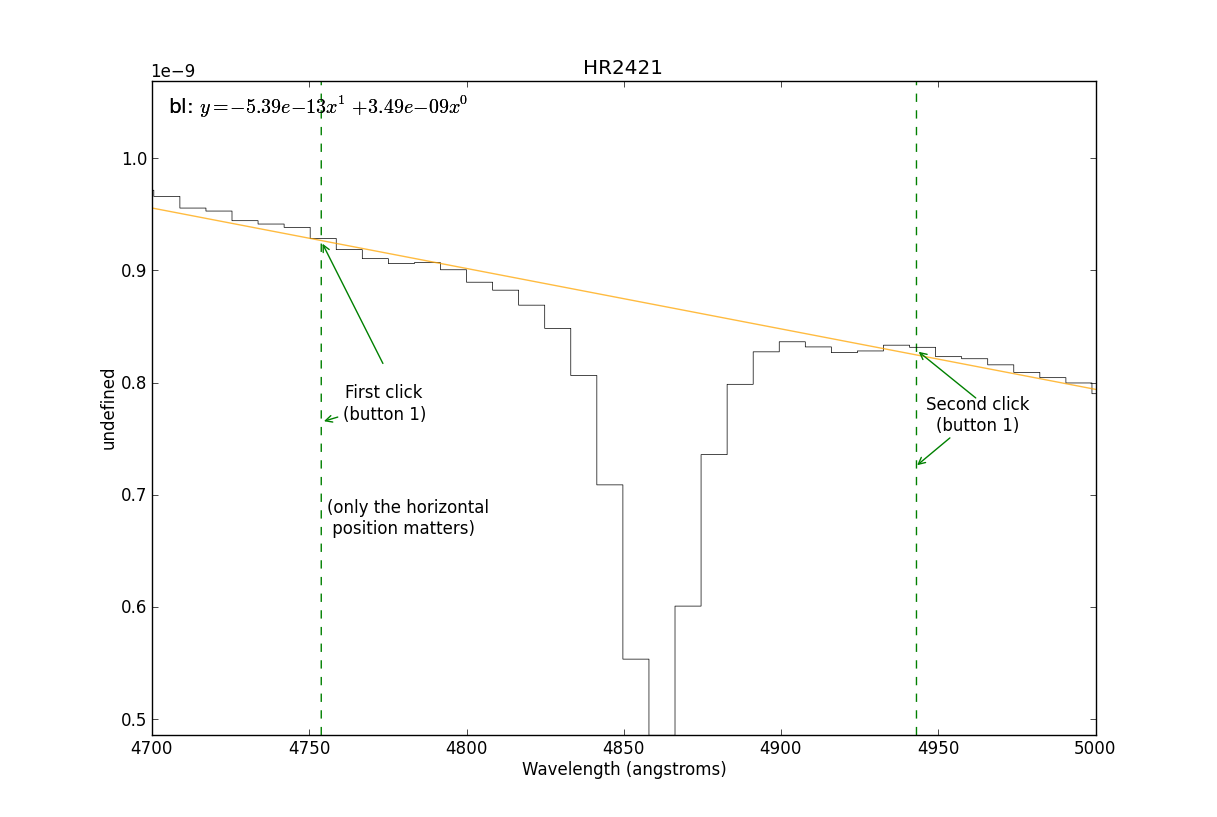
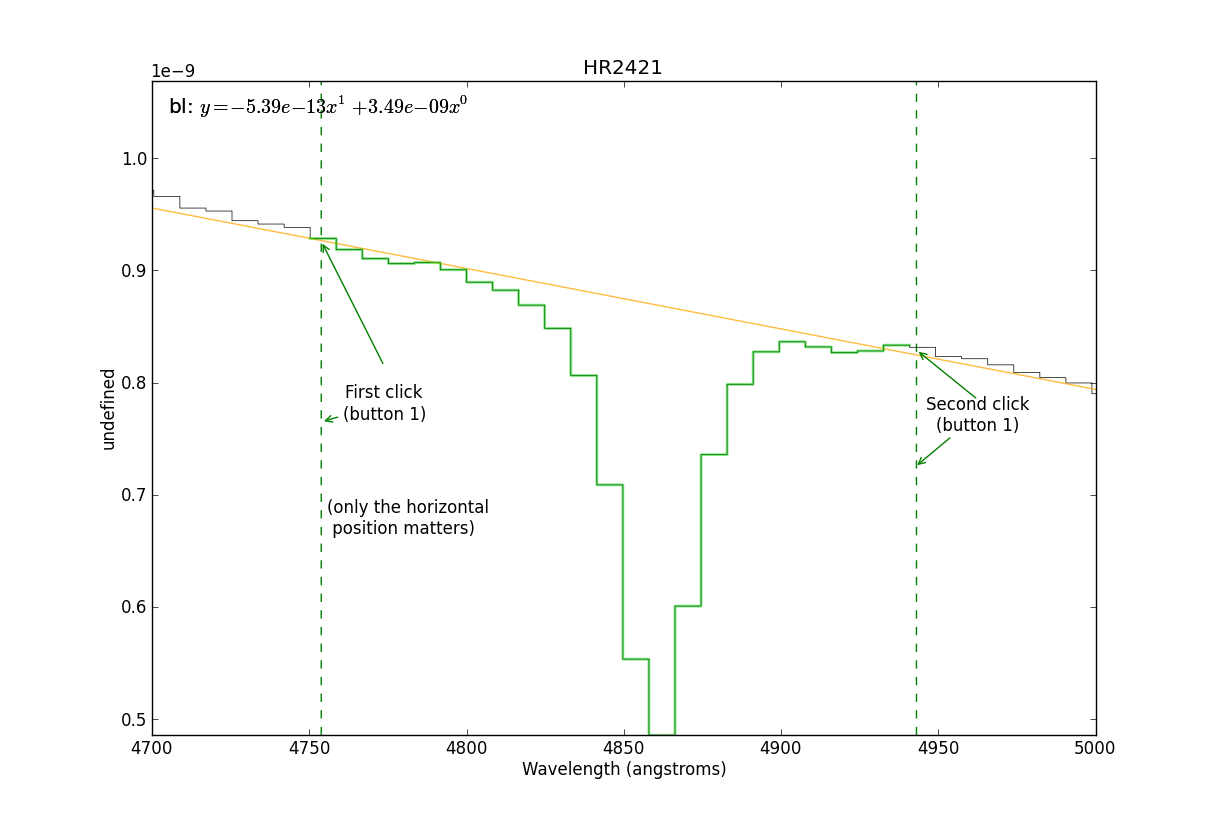
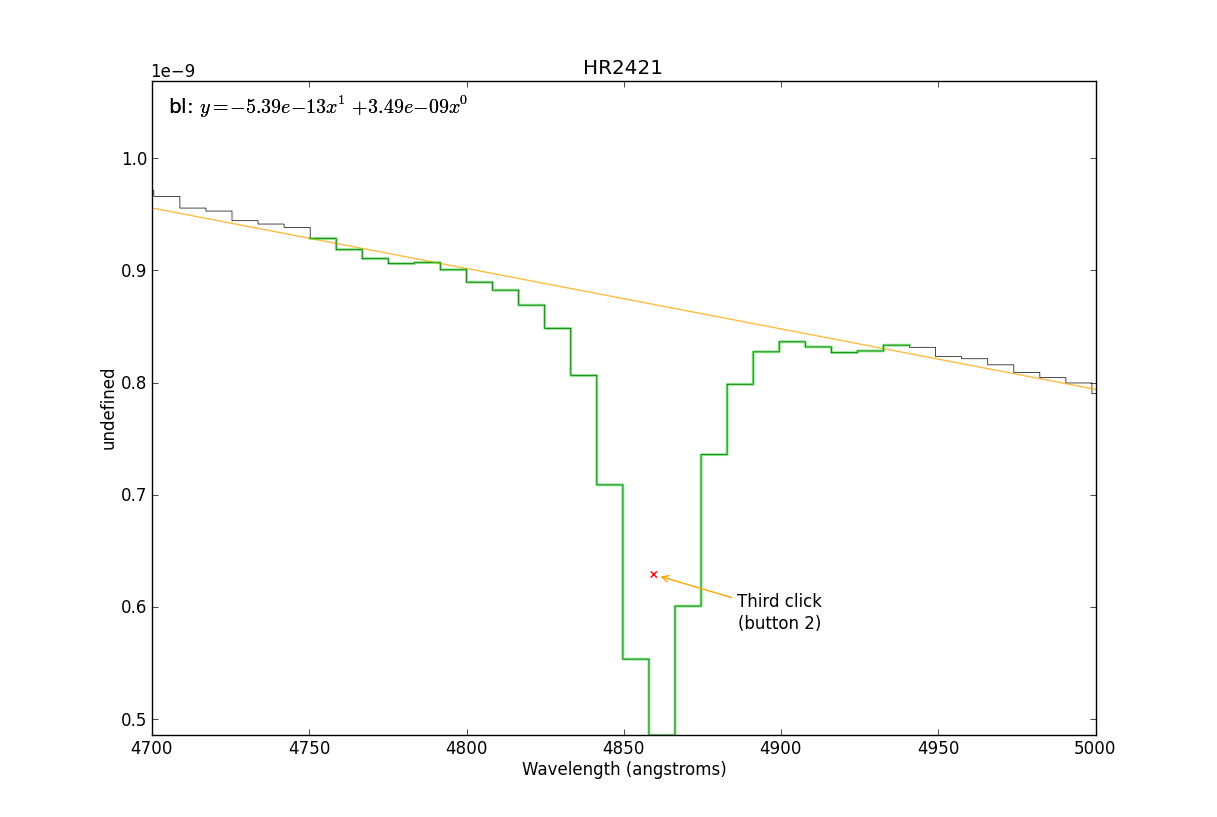
A step-by-step example of how to use the interactive fitter.
In short, we will do the following:
# 1. Load the spectrum
sp = pyspeckit.Spectrum('hr2421.fit')

# 2. Plot a particular spectral line
sp.plotter(xmin=4700,xmax=5000)

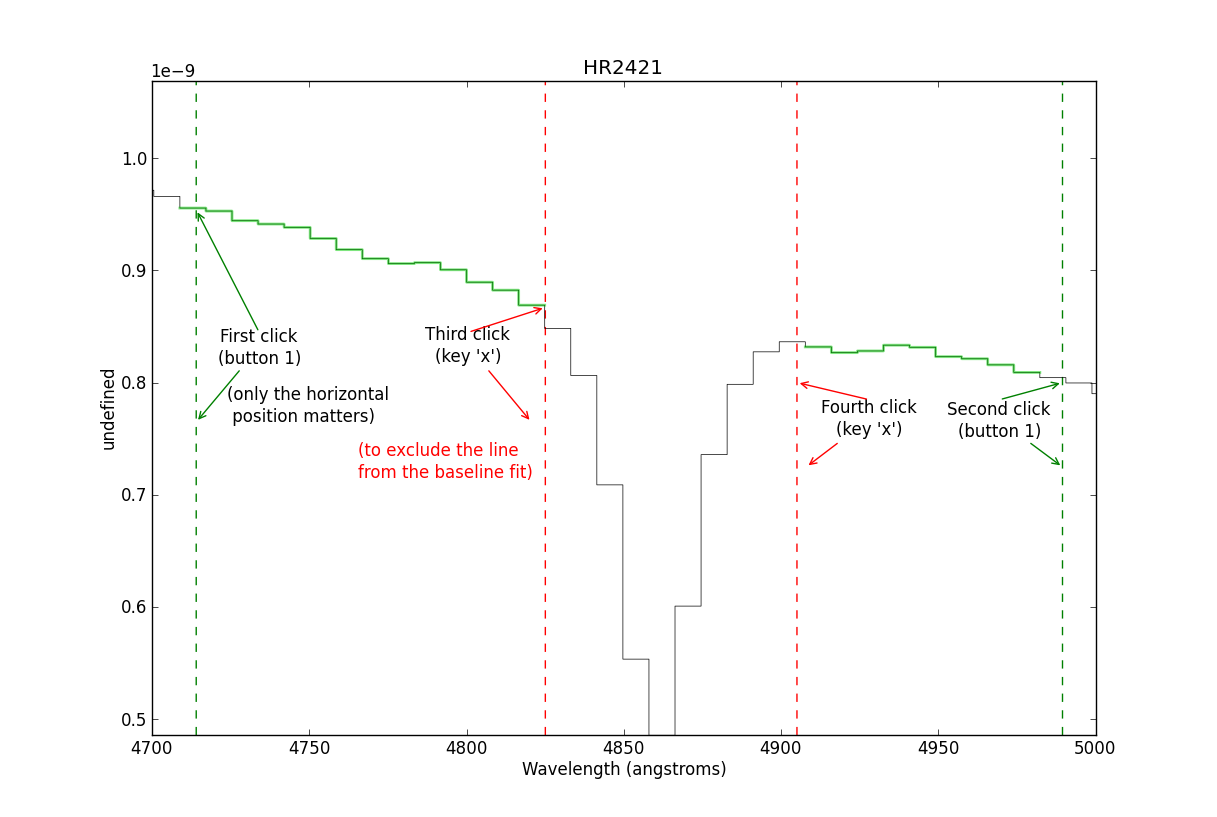
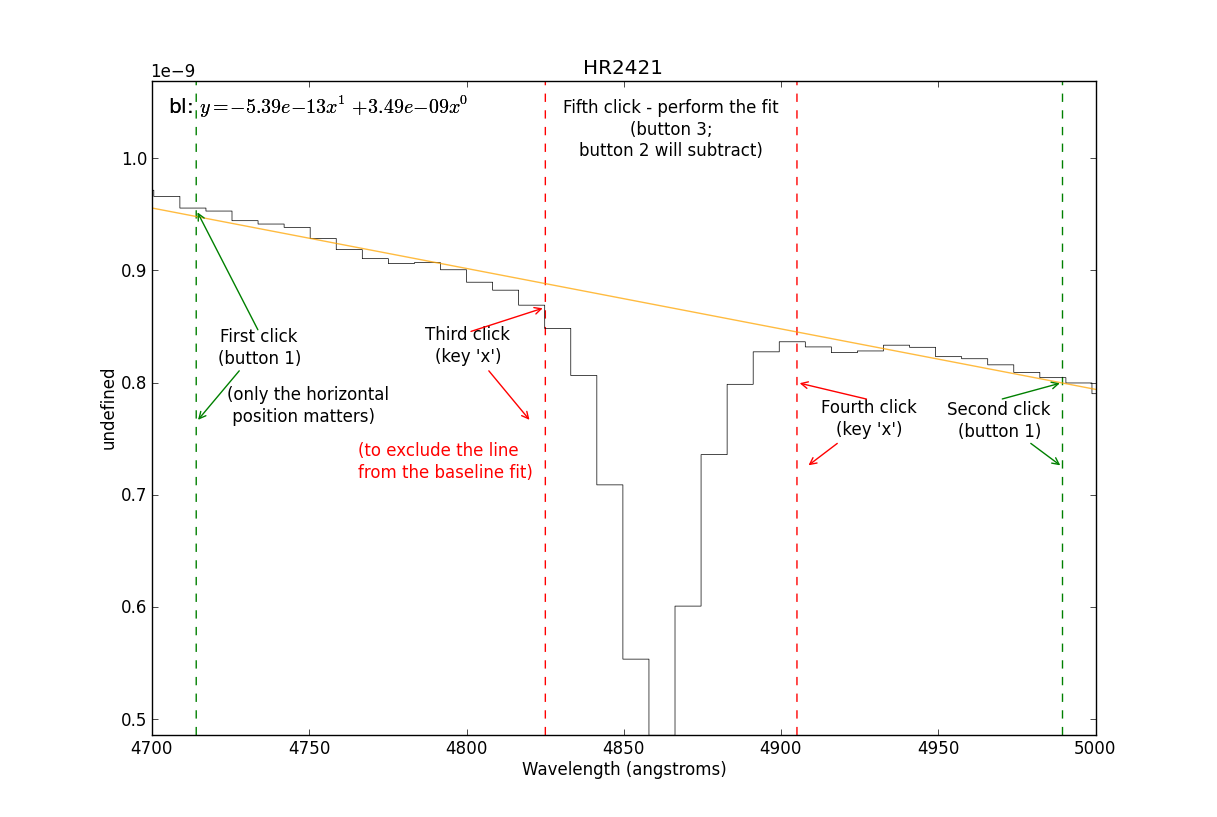
# 3. Need to fit the continuum first
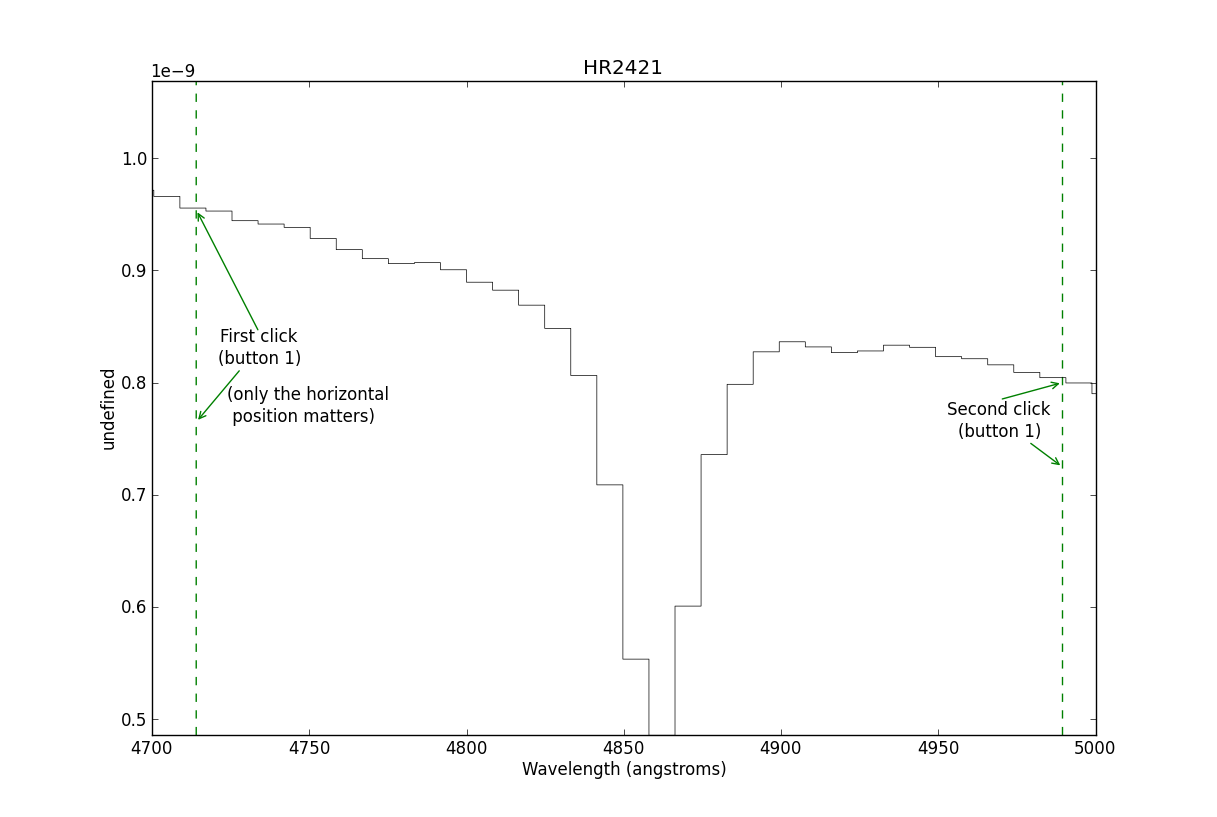
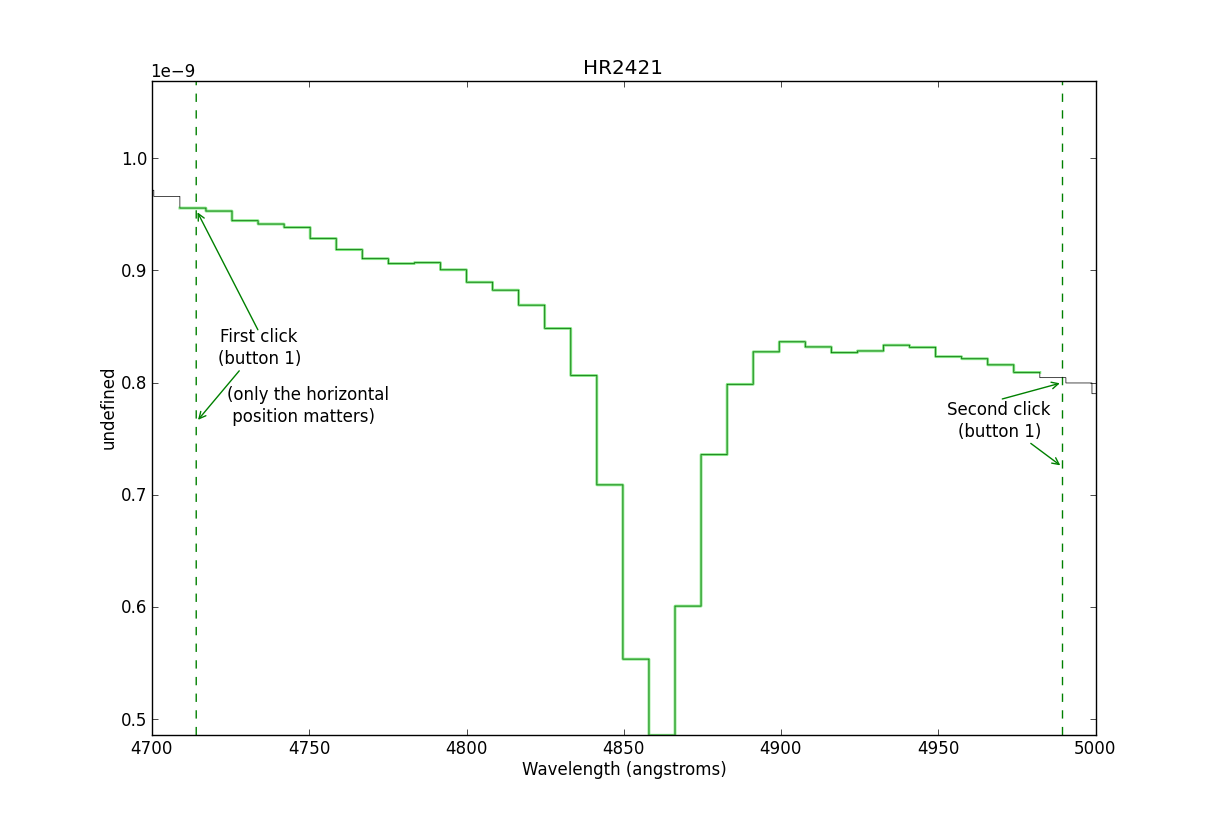
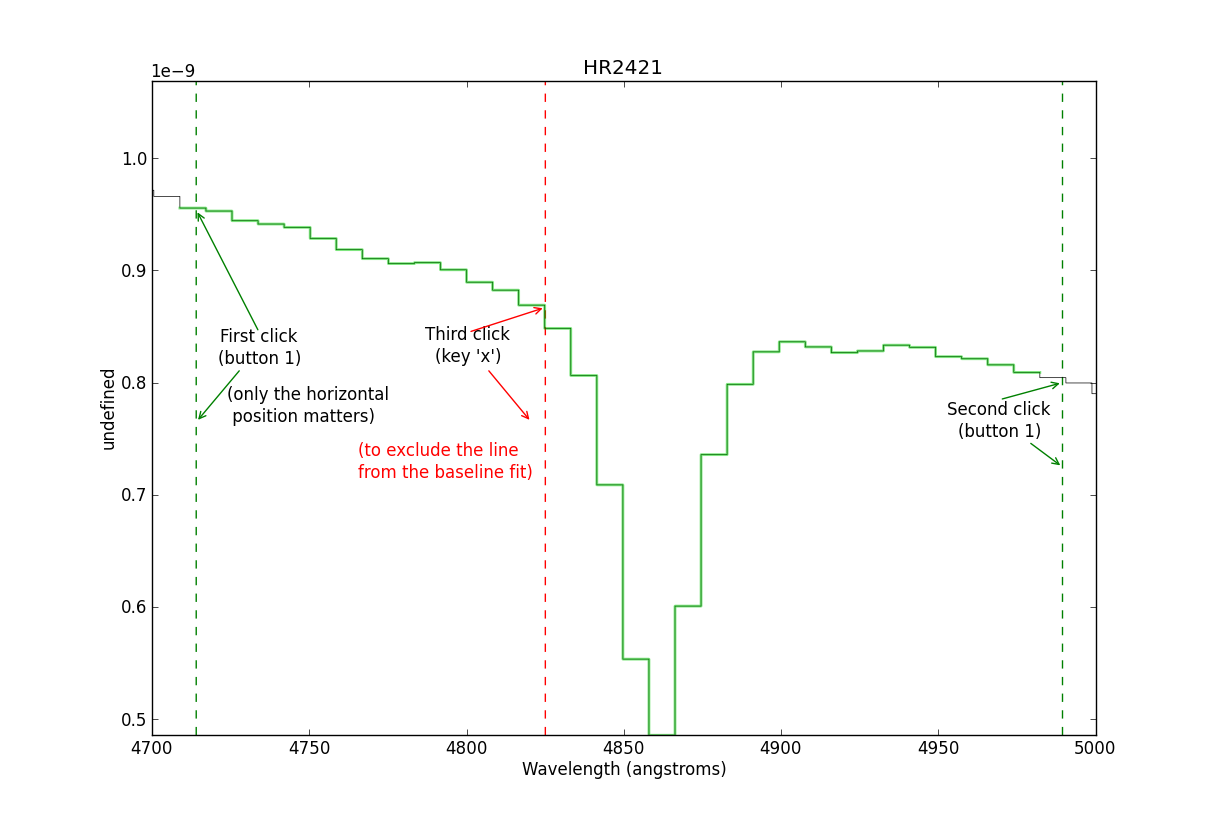
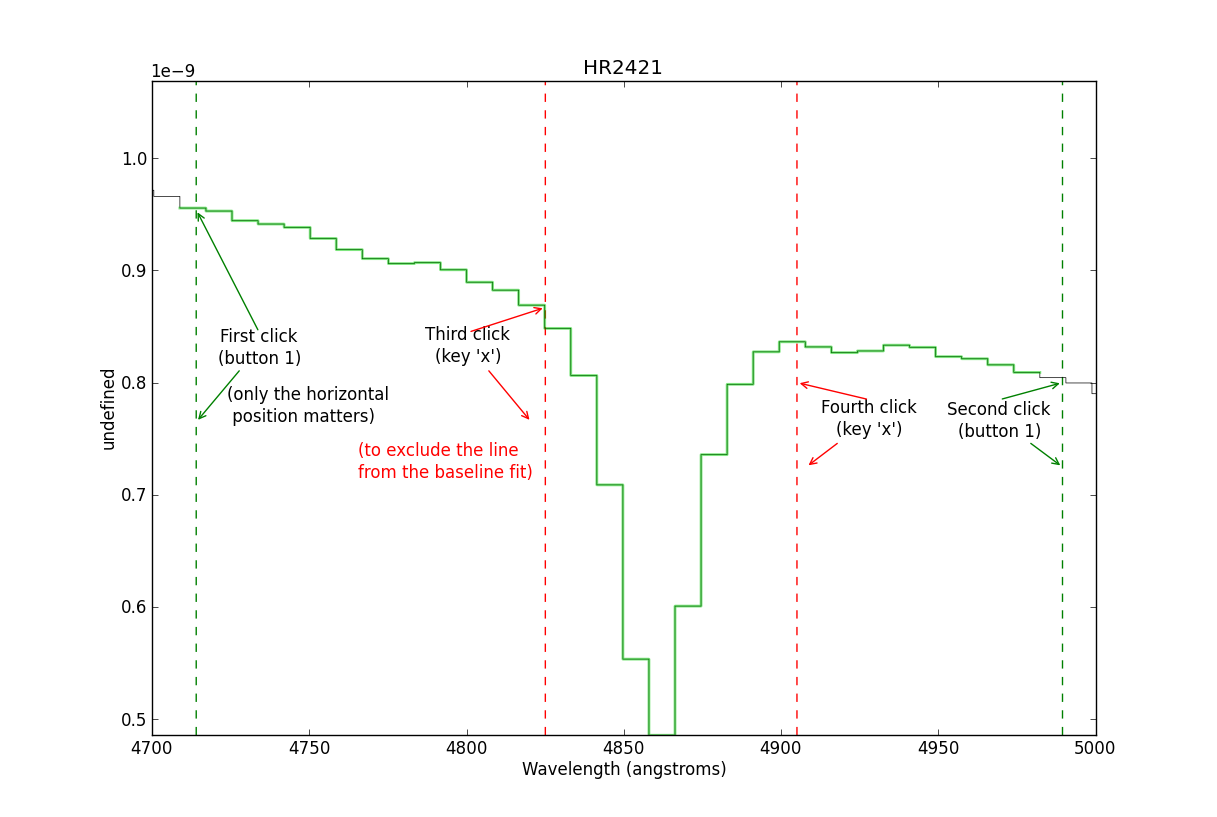
sp.baseline(interactive=True, subtract=False)

# 4... (much work takes place interactively at this stage)

# 5. Start up an interactive line-fitting session
sp.specfit(interactive=True)
Note
If you don’t see a plot window after step #2 above, make sure you’re using matplotlib in interactive mode. This may require starting ipython as ipython --pylab
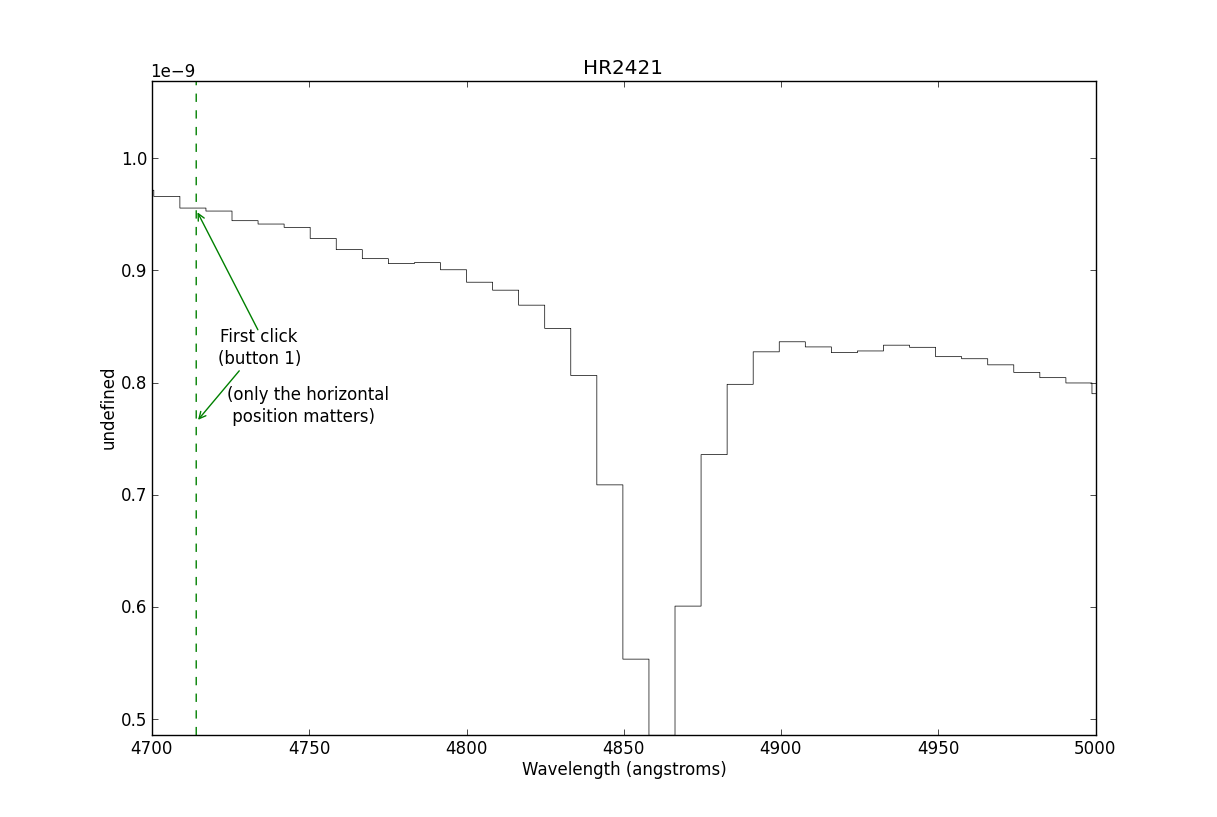
This is where you start the line-fitter:
# Start up an interactive line-fitting session
sp.specfit(interactive=True)